The best time to go LIVE on TikTok is when your own followers are online. Most "best time" charts you'll find online disagree with each other, and nearly all of them measure when videos get engagement, not when LIVEs do. Your account's analytics show you something more useful: the hours and days your followers are actually on the app.
This guide shows how to read that data, how to test two time slots properly, and how to turn the result into a schedule.
Why timing matters more for LIVE than for videos
A video keeps getting shown for days after you post it. A LIVE only exists while you're on. That changes the math:
- Your followers are your first viewers. Followers can get a notification when you go LIVE, but only the ones who are on the app at that moment join.
- An early room helps the rest. A LIVE that already has people in it is easier to join than an empty one, so the first few minutes matter.
- A missed slot can't be recovered. If you go LIVE while your audience is asleep or at work, no amount of good content brings them back to that stream.
Step 1: Find your follower activity
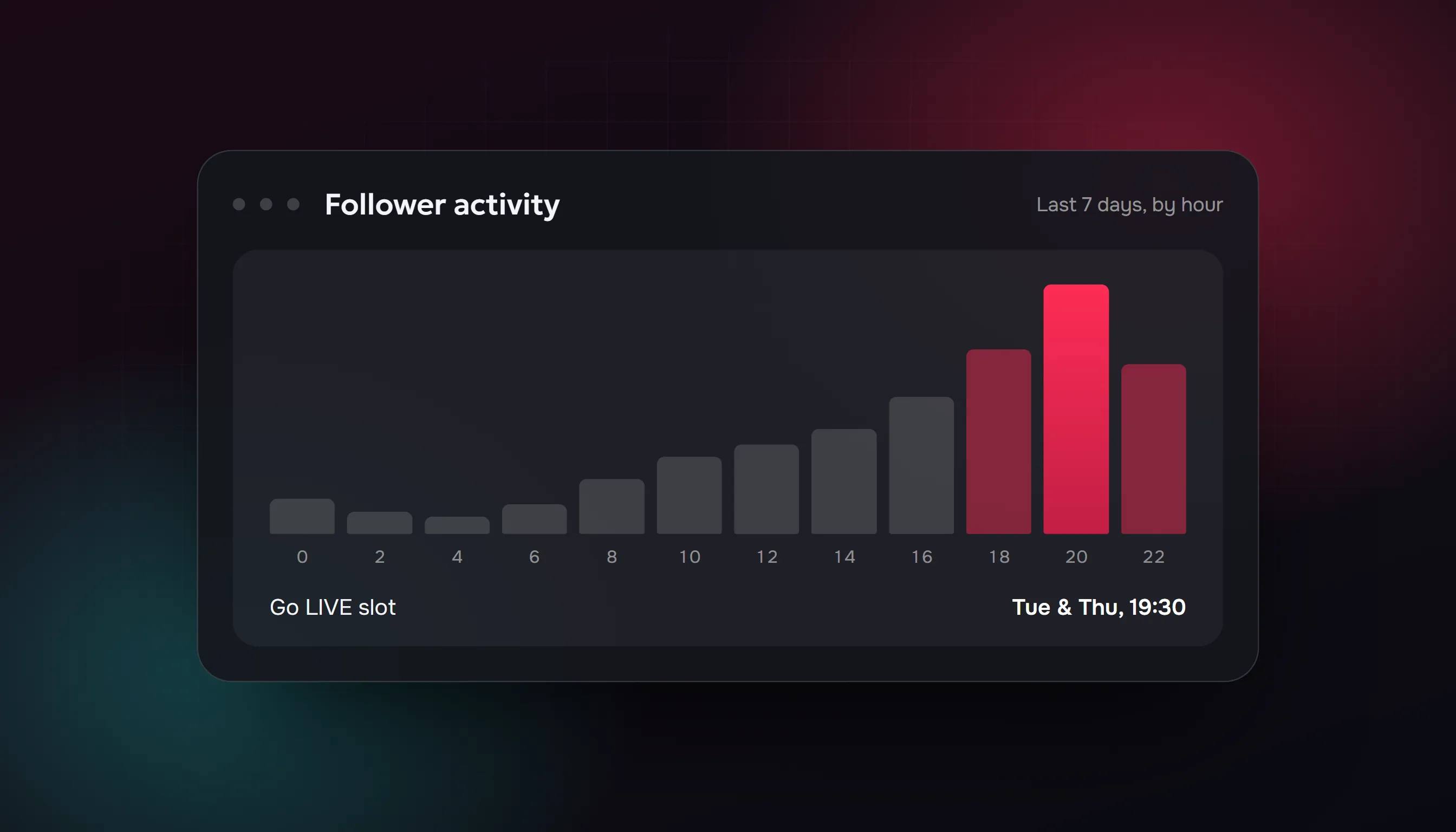
TikTok's analytics include a follower activity view that shows when your followers are on the app, by hour and by day of the week. You'll usually find it in your analytics under Followers. The exact menu labels change between app versions, and the chart needs a certain number of followers before it shows data.
Look at two things:
- The busiest hours. Note the two or three hours with the highest bars.
- The busiest days. A strong hour on a quiet day can still give you a weak LIVE.
Check which time zone the chart uses. If your followers live somewhere else, the hour that matters is their hour, not yours.
Step 2: Pick two slots to test
Don't pick only the single highest bar. Pick two candidates:
- Slot A: start shortly before your peak hour, so the room fills while people come online.
- Slot B: a different day or a quieter hour where fewer creators in your niche are LIVE. Less competition can help a small creator even if fewer people are online.
Step 3: Test for two to three weeks
Go LIVE in each slot several times, for about the same length and with the same kind of content. Changing three things at once tells you nothing.
After each LIVE, write down what TikTok's LIVE summary shows you:
| Slot | LIVE date | Average viewers | Peak viewers | How long people stayed | New followers |
|---|---|---|---|---|---|
| A | |||||
| B |
Compare the averages, not one lucky stream. The slot where people stay longer and follow is the better one, even if the other had a higher peak.
Step 4: Commit to a schedule and announce it
Once you know your slot, keep it. People come back to creators they can predict.
- Say it in your videos: "I'm LIVE every Tuesday and Thursday at 8 PM."
- Put it in your bio.
- Schedule the LIVE in advance if your account has the option, so followers can set a reminder.
- Post a short video an hour or two before you go LIVE.
If your followers are spread across time zones
Look for the overlap. Evenings in Western Europe fall in the afternoon on the US East Coast: 9 PM in Berlin is 3 PM in New York. An early-evening European slot can catch both. If the split is too wide, pick the region where most of your followers are and serve the other with videos.
If you're new and have no data yet
With few followers, the chart may be empty or noisy. Start with the times your target audience is likely free, usually weekday evenings and weekend afternoons in their time zone, and run the same two-slot test. Revisit your follower activity once you have more followers.
Common mistakes
- Changing the time every week. Nobody can build a habit around a moving schedule.
- Copying a generic chart. Averages across millions of accounts say little about your 500 followers.
- Ending too soon. A 10-minute LIVE gives people very little time to find you. Most small creators do better with at least 30 to 60 minutes.
- Starting with setup. Fix your audio and lighting before you press Go LIVE, not during the first minutes.
What about an empty room?
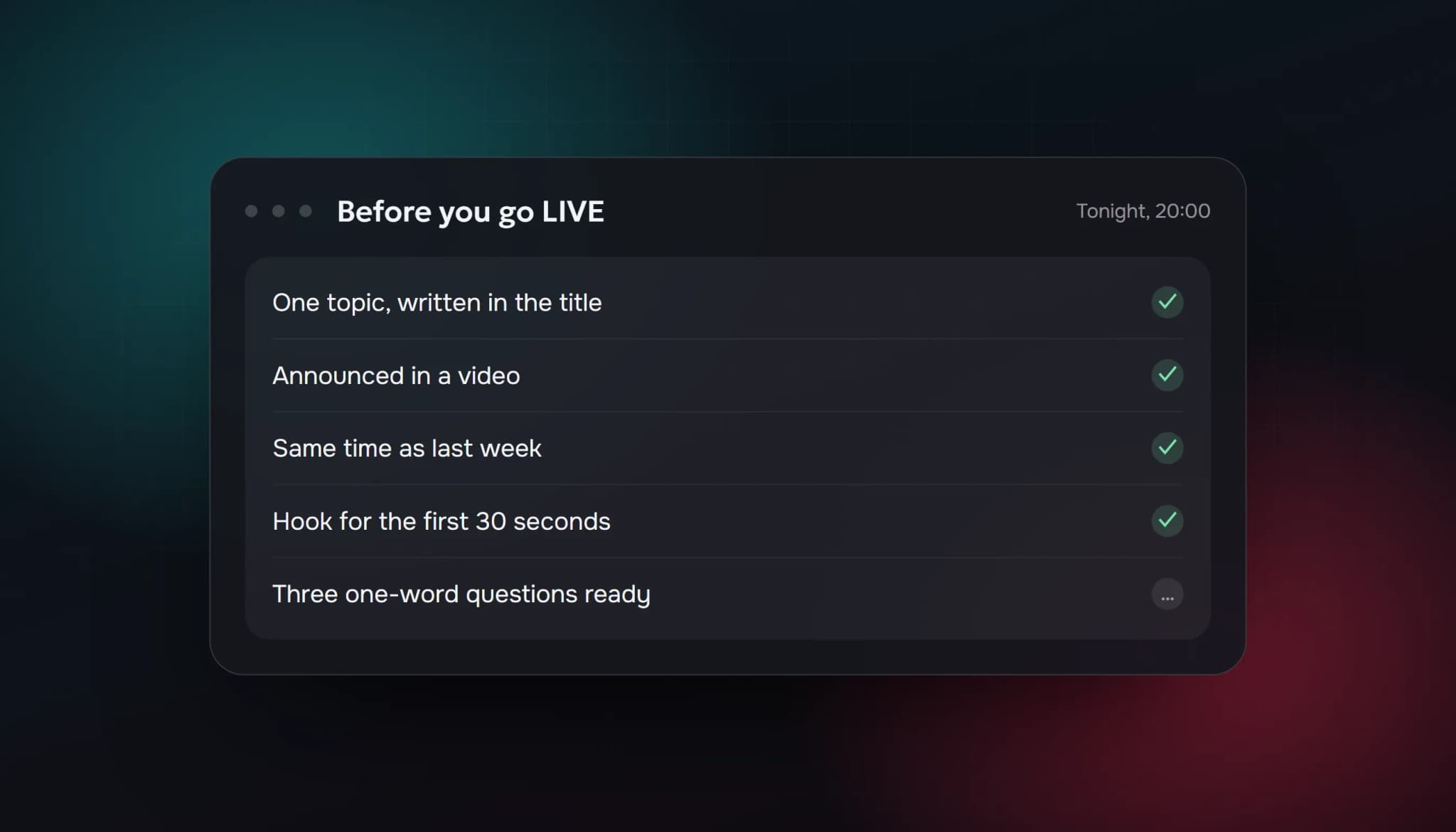
Even at the right time, a new creator's LIVE often starts with nobody in it. The habits in how to get more viewers on TikTok LIVE help most: a clear topic, a hook in the first seconds and replying to everyone by name.
Some creators add viewers to avoid starting at zero. That changes the number people see and nothing else, and TikTok's Community Guidelines prohibit services that artificially increase engagement. We explain both sides in our guide to the TikTok live viewer bot, and our buy TikTok live viewers page lists what the plans include.
Quick checklist
- Checked follower activity by hour and by day
- Confirmed which time zone the chart uses
- Picked two slots to test
- Logged average viewers, watch time and new followers for each LIVE
- Chose one slot and put it in your bio and videos
FAQ
What is the best time to go LIVE on TikTok?
The hours when your own followers are most active, which you can see in your analytics. Generic charts are a starting point at best.
Is it better to go LIVE when fewer people are LIVE?
Sometimes. Less competition can help a small creator, but only if enough of your followers are online. Test it against your peak hour.
How long should a TikTok LIVE be?
Long enough for people to find you. Most small creators do better with at least 30 to 60 minutes than with very short LIVEs.
How often should I go LIVE?
As often as you can keep up on a fixed schedule. Two or three LIVEs a week at the same times beat daily LIVEs at random hours.
Why can't I see follower activity?
The chart needs a minimum amount of follower data, and the menu labels differ between app versions. Check again as your follower count grows.
Written from our own testing approach. We couldn't find an official TikTok recommendation for the best time to go LIVE, and menu names in the TikTok app change between versions. Checked 14 October 2026.
- best time to go live on tiktok
- when to go live on tiktok
- tiktok live schedule
- tiktok follower activity
- tiktok live tips
ViewerBoss Team
Guides on growing a stream on Twitch and Kick