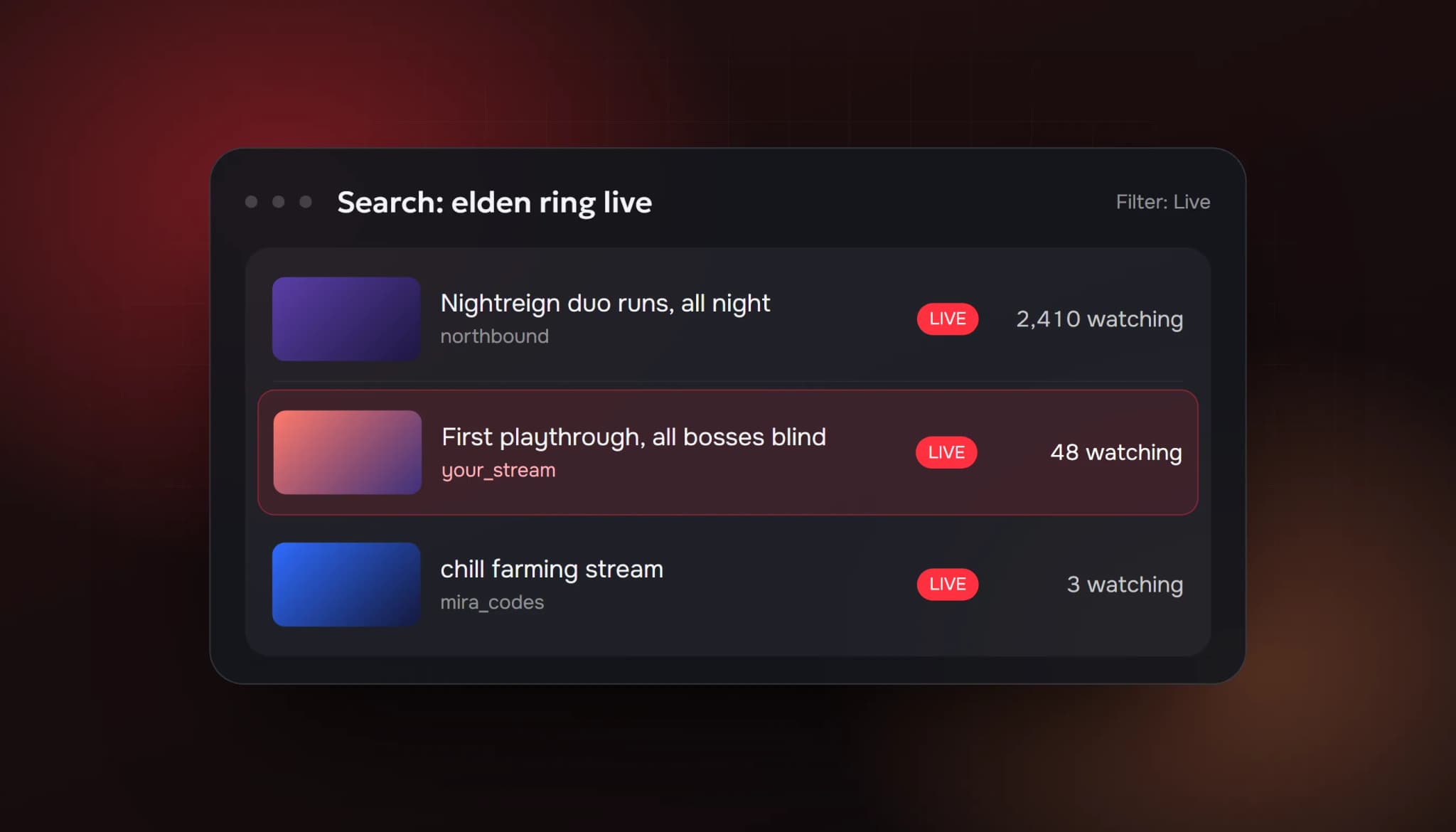
On YouTube, a live stream can be found by search. A Twitch stream is mostly found while it's live, through its category page. A YouTube stream also shows up in search results, on your channel's Live tab, in subscribers' feeds and, after it ends, as a video and as Shorts. Small streamers who grow on YouTube use all of those at once.
Below are ten things that work, starting with the ones YouTube recommends in its own help pages.
1. Schedule every stream
When you schedule a stream in YouTube Studio, it gets a watch page before you go live and appears in the Upcoming section of your channel's Live tab. People can open the link early and wait for the start.
YouTube's advice is to share the link at least 48 hours before you go live. A scheduled stream that's been shared for two days starts with people already there, instead of starting from zero.
2. Write titles people search for
Your title is what matches searches and what people read in a list of live streams. Put the game, topic or question first, in the words people type:
- Weak: "Chill stream 🔴 come hang out"
- Better: "Elden Ring Nightreign first playthrough, all bosses blind"
- Better: "Learning Japanese live: N4 grammar Q&A"
Long titles get cut off on phones, so keep the important words at the start.
3. Make a thumbnail, even though you're live
Live streams show a thumbnail in search, in subscription feeds and on the Upcoming list. Use a custom one with your face or the game and 2 to 4 words. A frame grabbed from the stream rarely looks clickable at small sizes.
4. Stream at the same times every week
Subscribers get notifications when you go live, and people come back to streamers they can predict. Pick 2 or 3 fixed slots you can keep for months. YouTube suggests updating your channel banner with the event name, date and time.
5. Turn every stream into Shorts
Shorts reach people who have never seen your channel, and they point them back to it.
- If you stream from the mobile app, YouTube can save a Short highlight automatically. Set it to Public to reach the Shorts feed. This works for vertical, non-screencast streams between 10 minutes and 12 hours with chat on.
- If you stream from a computer, cut your best 20 to 50 seconds into a vertical clip after each stream.
Post one or two Shorts between streams, and mention when you're live next.
6. Keep archives public and in playlists
By default YouTube publishes the recording when your stream ends. Keep it public: people keep finding archives in search, and their watch time counts toward the YouTube Partner Program thresholds. YouTube recommends organising archives and highlight clips into playlists, for example one per game or series.
7. Add a Live section to your channel page
YouTube suggests creating a Live section on your channel to show upcoming and current streams. A visitor who lands on your channel from a Short then sees your next stream right away.
8. Talk to chat by name, from the first minute
The first viewers of a small stream decide whether it feels alive. Greet each new chatter by name, answer questions out loud and ask simple ones back. Don't spend the first five minutes fixing your setup on camera.
Our guide to getting people to talk in chat is written for Twitch, but the same tips work on YouTube Live.
9. Go live with other creators
Go Live Together lets you invite a guest into your stream from the mobile app, and many streamers co-stream through browser studios that send to YouTube. A guest brings some of their audience, and both channels meet people who already like the format.
When your stream ends, you can also redirect your viewers to another live stream or Premiere. Redirecting to a friend's channel is a good way to get them to do the same for you.
10. Bring people from outside YouTube
Post the scheduled link where your audience already is: Discord, X, Instagram, Reddit communities that allow it, and your website. YouTube also suggests connecting your social accounts to your channel for easier sharing and adding an associated website to your channel.
What about the "watching now" number?
YouTube shows how many people are watching on every live stream, in search results and on the watch page. A stream with 40 people watching gets more clicks than one with 2, even when the content is the same. That's why the first minutes of every stream matter so much, and why scheduling and promotion before you go live help more than anything you do once you're live.
Some streamers buy live viewers to avoid starting at 0. Be clear about the trade-off:
- It raises the number people see. It doesn't create subscribers or Super Chats, and it doesn't replace you talking to the people who do show up.
- YouTube's fake engagement policy prohibits artificially increasing views and other metrics.
- Keep any number realistic for your topic. 300 viewers and a silent chat looks wrong to everyone.
If you want to compare, our buy YouTube live viewers page lists the plans, what's included and what isn't.
Quick checklist for your next stream
- Scheduled in YouTube Studio, link shared 48 hours ahead
- Searchable title with the topic at the start
- Custom thumbnail
- Same day and time as last week
- Live section on the channel page
- Short highlight or vertical clip posted afterwards
- Archive public and added to a playlist
- Viewers redirected to a friend's stream at the end
FAQ
Why does my YouTube live stream get no viewers?
Usually because nobody knew it was happening. Unscheduled streams with generic titles are hard to find in search and don't appear in the Upcoming list ahead of time, and notifications only reach people who are already subscribed.
Is it better to stream on YouTube or Twitch for a small channel?
YouTube has search and Shorts working for you, and your streams keep getting views as videos. Twitch has a stronger live culture and lower monetization requirements. Many small streamers stream on one and post clips on the other.
How long should a YouTube live stream be?
Long enough for people to find it while it's live. Most small streamers do 2 to 4 hours. Automatic Short highlights only work for streams between 10 minutes and 12 hours.
Do I need subscribers to go live?
Not from a computer. Streaming from the mobile app needs 50 subscribers.
Sources: YouTube Help: Promote your live stream; YouTube Help: Get started with live streaming; YouTube Help: Live stream on mobile. All checked 4 October 2026.
- how to get more viewers on youtube live
- youtube live viewers
- grow youtube live stream
- youtube live stream tips
- how to get viewers on youtube live
ViewerBoss Team
Guides on growing a stream on Twitch and Kick