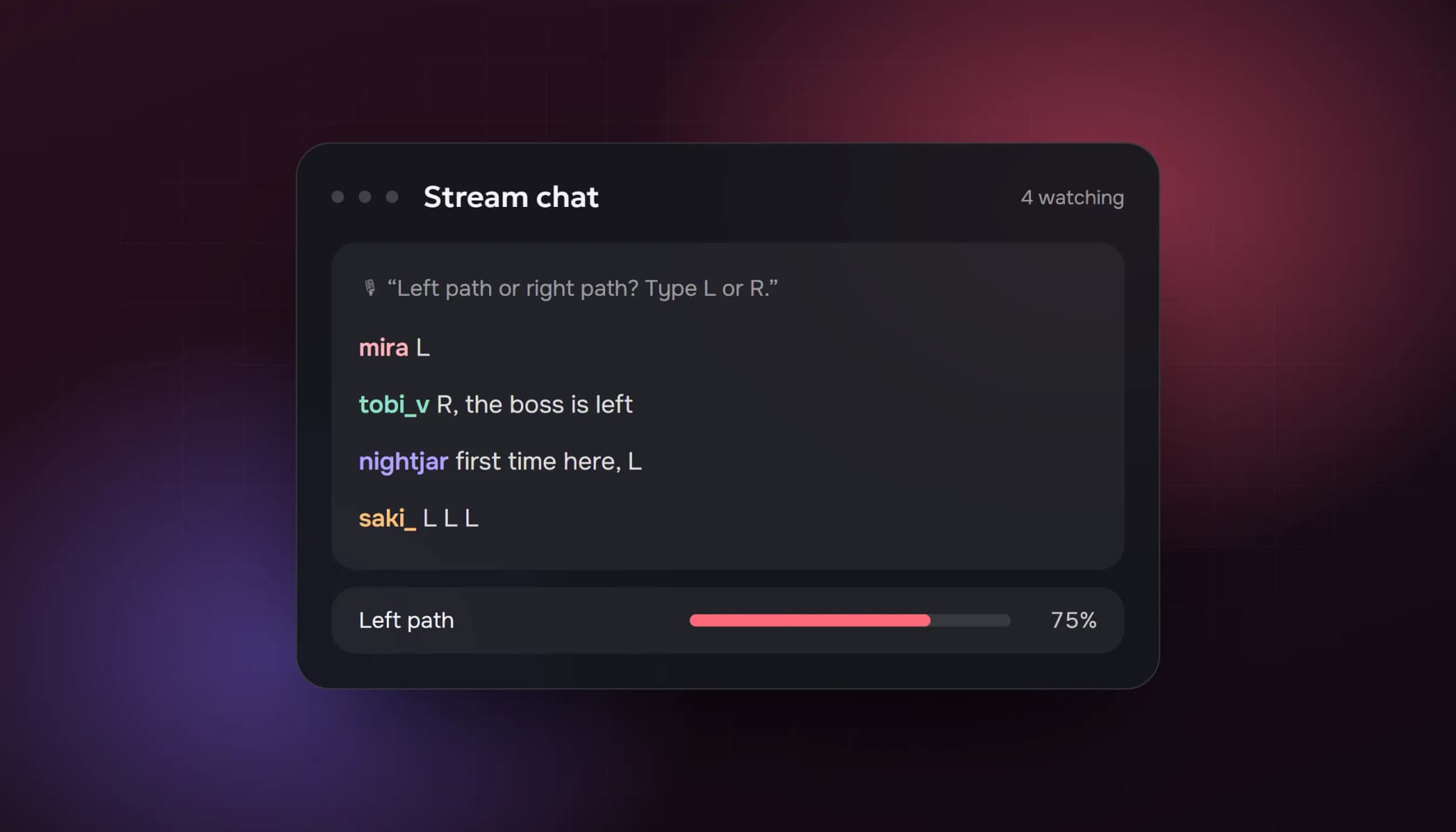
Most viewers never type anything. On a small stream that means you can have 5 people watching and a completely silent chat. New visitors see the silence, assume nothing is happening, and leave. The fix isn't to beg for messages. It's to make answering you easy, specific and worth it.
This guide covers what works on small Twitch and Kick streams, roughly in the order it matters.
Why chat goes quiet
Three things keep people from typing:
- Nobody else is talking. Being the first message in an empty chat feels awkward.
- There's nothing to answer. "How's everyone doing?" is easy to ignore.
- They don't know if you'll notice. On a small stream, they should always be noticed.
Each technique below removes one of these.
Talk as if chat is full
The most common reason small streams stay quiet is that the streamer goes quiet too. Keep narrating: what you're doing, why, what you think will happen next. A lurker who arrives in the middle of a sentence has something to react to. A lurker who arrives to silence closes the tab.
It feels strange at first. Everyone who grew from 0 went through the same phase.
Ask questions people can answer in one word
Open questions get ignored. Specific ones get answered:
- "Left or right path?" instead of "What should I do?"
- "Has anyone actually beaten this boss first try?"
- "1 if you've played this, 2 if you haven't."
The easier the answer, the more people type it. A "1" in chat is still a first message, and the second one comes much more easily.
Read out every message, and use the name
On a small stream, every message deserves a reply, by name, out loud. "Thanks, Mira, that's a good call" turns a one-time chatter into a regular. It also shows lurkers that typing gets a response, which is the reason they were hesitating.
If you missed a message because you were focused, go back to it. "Sorry, Tobi, I just saw your question" is fine.
Give chat a job
People talk more when they have something to do:
- Let chat decide small things: the next map, a loadout, a name for a character.
- Run predictions or polls in words when the built-in tools aren't available: "Type W if you think I win this round."
- Keep a running joke or a counter chat can add to, like deaths in a run or a bingo card for the stream.
Use Channel Points
Channel Points give viewers a reason to stick around and a reason to interact. Twitch opened Channel Points to streamers who aren't Affiliates yet as part of its 2026 "Monetization for All" update, so check your dashboard even if you're new. Cheap, fun rewards work best on small streams: pick the next song, choose a skin, ask one question the streamer has to answer.
We cover the other 2026 changes in our guide to Twitch Affiliate requirements.
Make your chat look inviting
- Pin a message that tells people what's going on right now.
- Add a few simple commands (
!discord,!schedule,!specs). People like typing commands, and they get an answer straight away. - Keep moderation light. Filters that delete harmless messages teach people not to type.
Bring your regulars with you
A handful of friends or Discord members who show up and chat make the stream look alive, and they start conversations new viewers join. Tell your community when you go live and when the stream is starting, not an hour in.
What about chat bots?
Chat bots come in two very different kinds:
- Moderation and command bots (Nightbot, StreamElements and similar) answer commands, run timers and keep chat tidy. Every stream should have one.
- AI chat bots add messages from accounts that aren't real viewers, so an empty chat doesn't look empty. They can make a new visitor more willing to type the first real message.
Be honest with yourself about the second kind. It can take the edge off an empty chat, but it doesn't replace a streamer who talks to people, and Twitch's rules on artificial engagement apply to it. If you use one, keep it low-key and on topic, and put your attention on the real people who start talking. Our Twitch view bot page explains how our AI chat works.
A simple routine for your next stream
- Tell your Discord when you go live.
- Pin a message saying what the stream is about today.
- Narrate what you're doing from the first minute.
- Ask a one-word question every 10 to 15 minutes.
- Reply to every message by name.
- Let chat decide at least one thing.
- End by telling people when you're live next.
FAQ
How many chatters should a small stream have?
There's no target number. What matters is that most people who type once come back and type again. That's what turns into a regular community.
Should I ignore lurkers?
No. Lurkers still count as viewers, and many of them watch every stream. Thank them without putting them on the spot: "Thanks to everyone watching quietly too."
Does an active chat help me get discovered?
An active chat keeps people watching longer and brings them back, which raises your average viewers. On Twitch that affects where you appear in a category; see how Twitch ranks streams in categories.
Does this work on Kick?
Yes, and it matters more there: Kick's Partner Program counts unique chatters. See our Kick Partner Program requirements.
- how to get people to talk in twitch chat
- twitch chat engagement
- dead chat twitch
- how to get chatters on twitch
- twitch lurkers
ViewerBoss Team
Guides on growing a stream on Twitch and Kick